Tutorial
Follow the following steps to use our website.
-
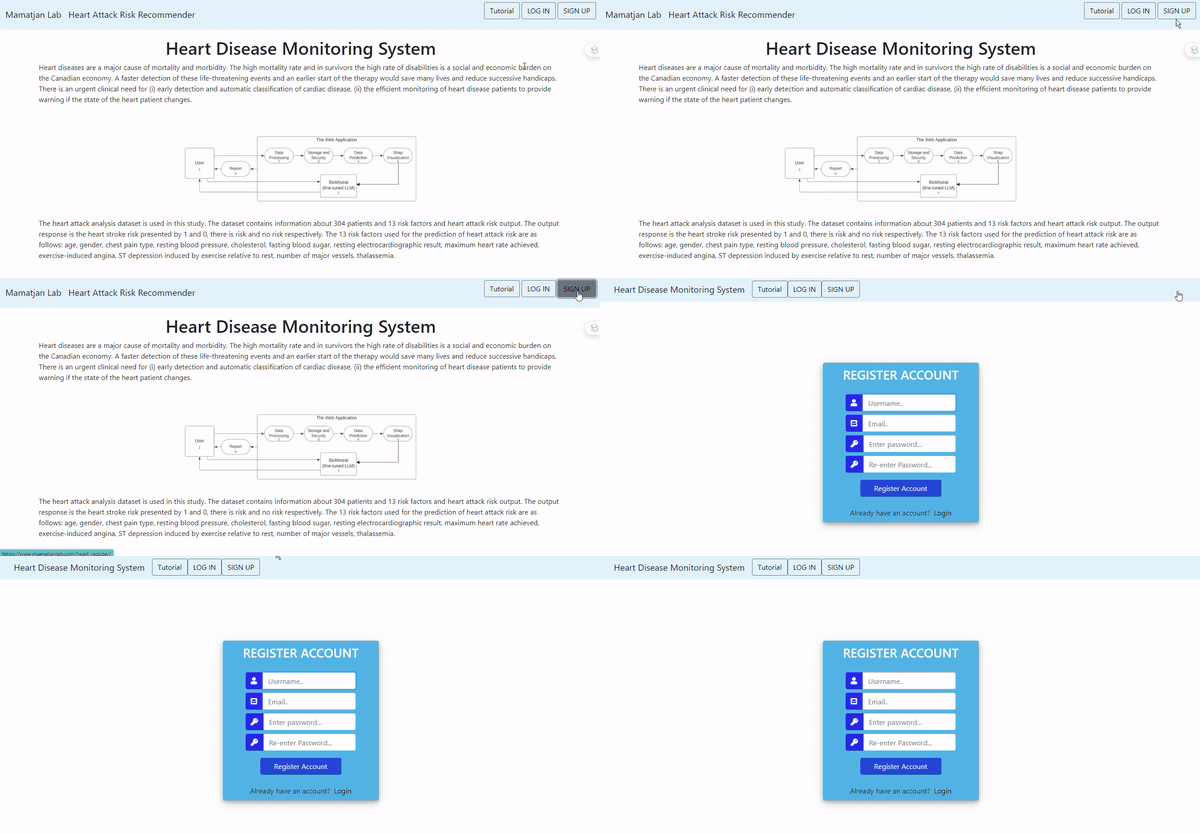
Go to the register page.
-
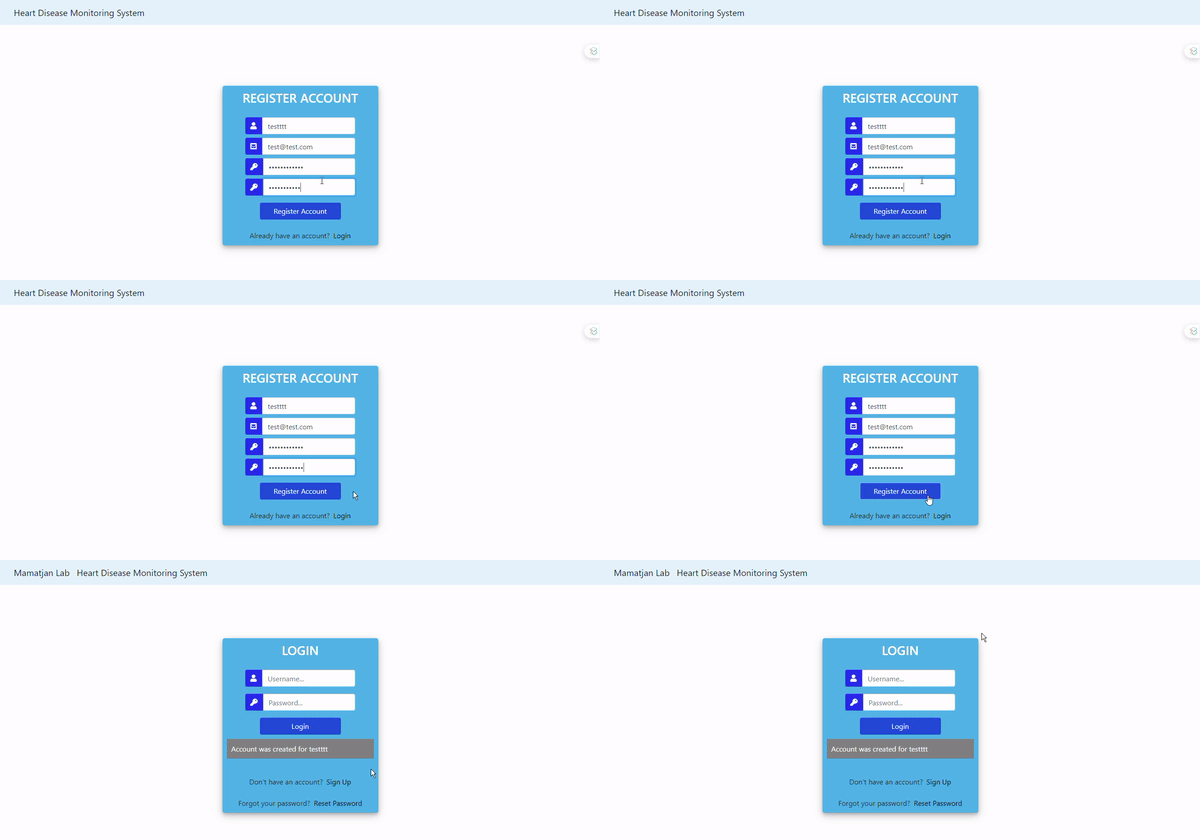
Register, then click sign up. This will take you to the login page.
-
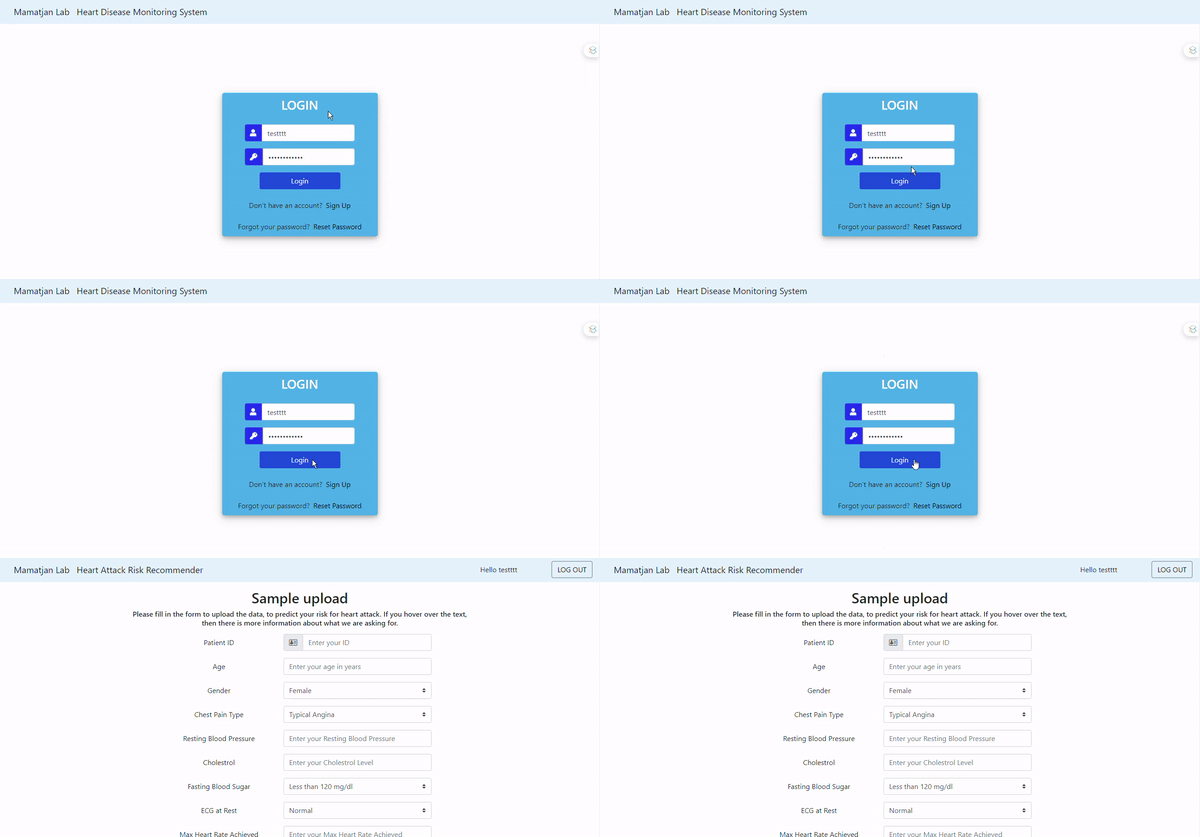
Log in, then you will go to a form page where you can enter your information.
-
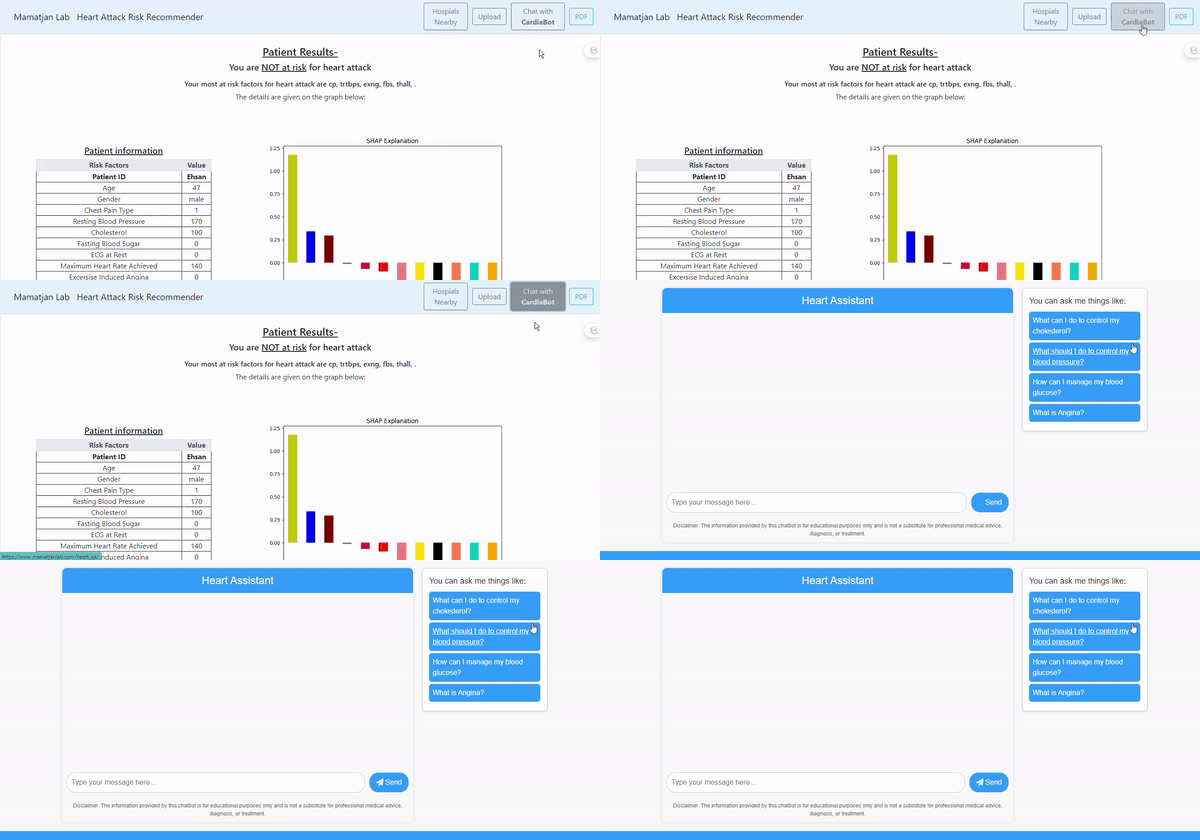
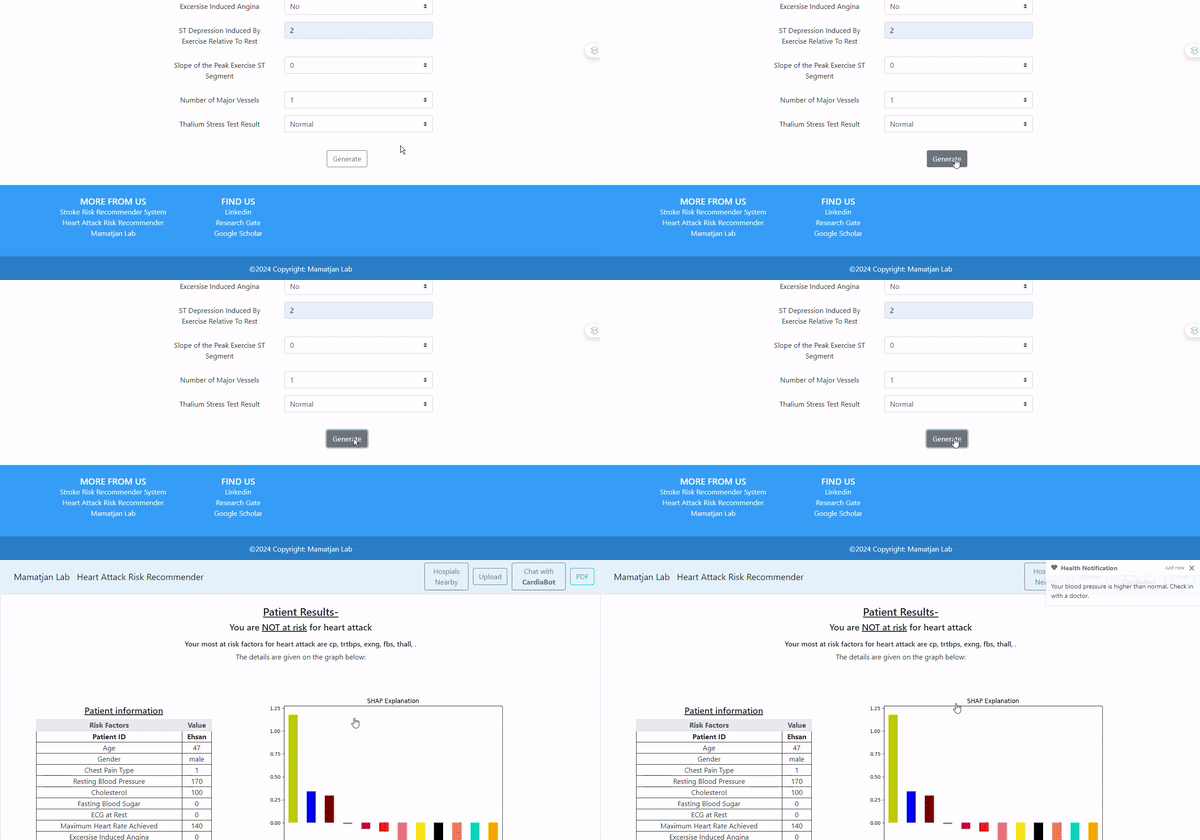
After filling the form, click submit to see your heart attack risk on the results page.
You can also access the maps and chatbot page from the results page.
-
Click on "Chat with CardiaBot" to chat with our AI.